From radiograph to TPLO plan in under 60 seconds
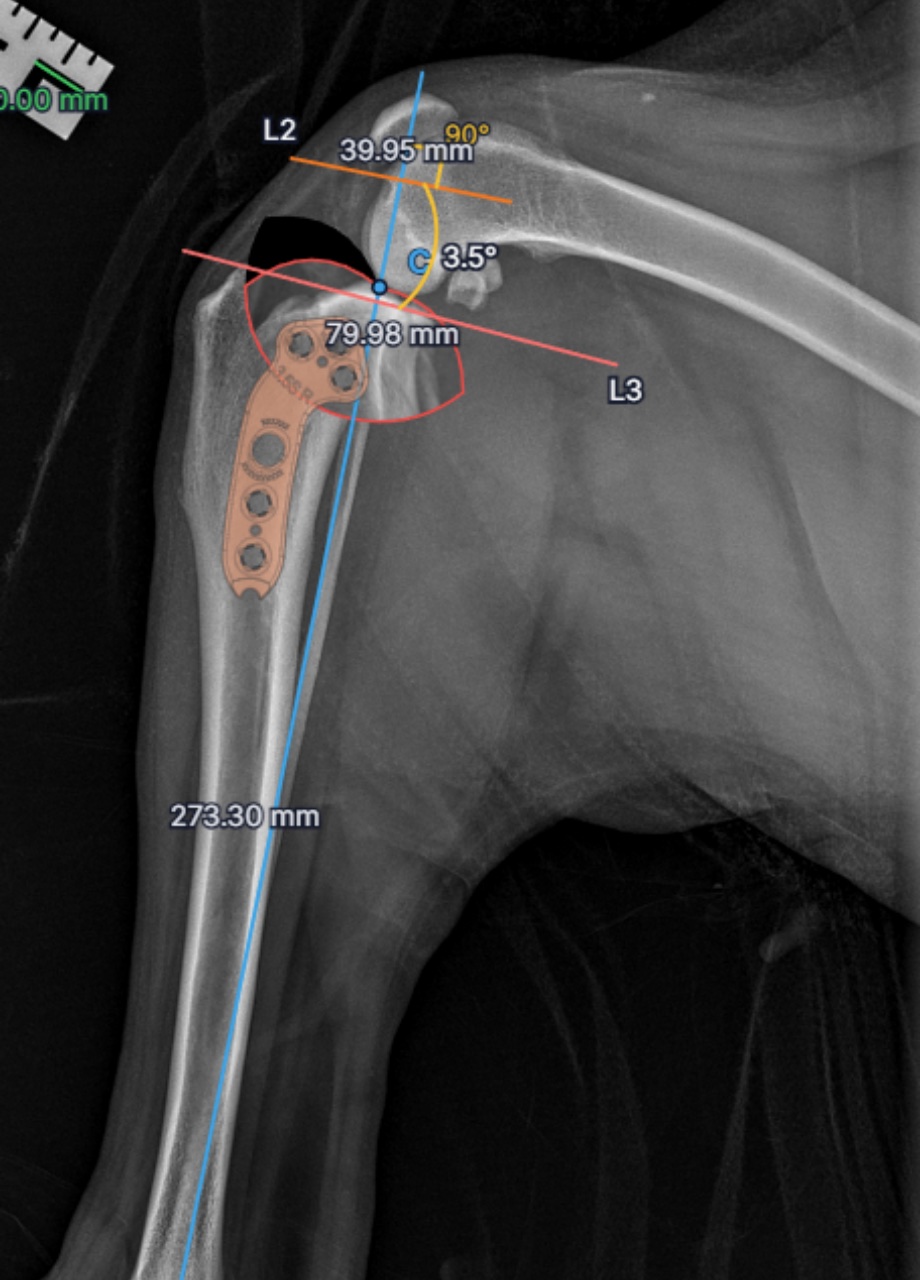
AI places the tibial landmarks for you to confirm, the TPA is calculated automatically, and you plan the osteotomy and overlay a real plate, all in one workspace, with measurements to 0.1 mm.
30-day free trial · no credit card · cancel anytime
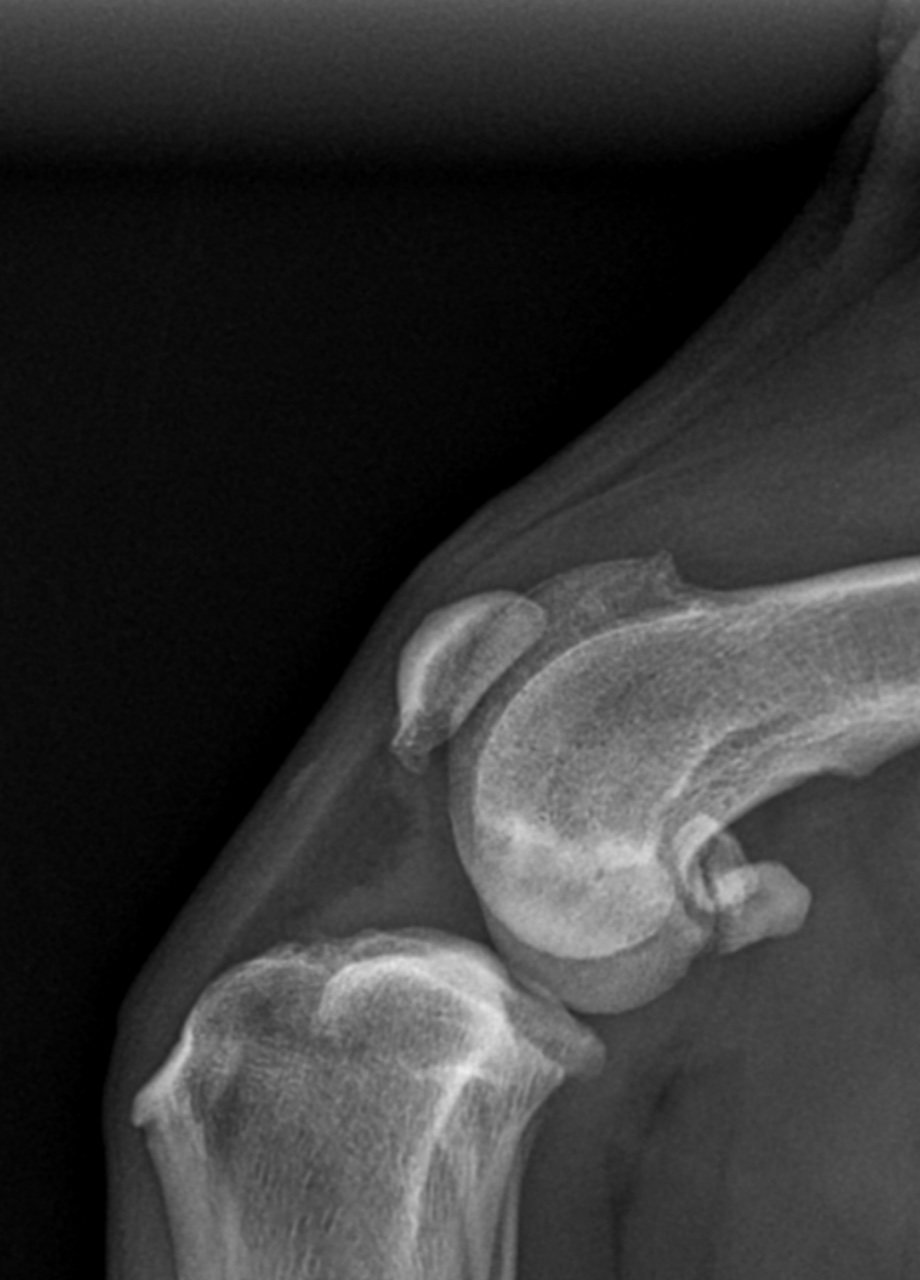
Every Case in One Organized Workspace
Open a case, jump back into a plan, and keep your whole caseload synced and backed up in the cloud
What AI-Assisted Planning Gives You Today
AI-Assisted Landmarks
AI places the four tibial landmarks for you to review and confirm, instead of clicking each one from scratch
Automatic TPA
The tibial plateau angle is calculated the instant all four landmarks are set
Real Plate Overlays
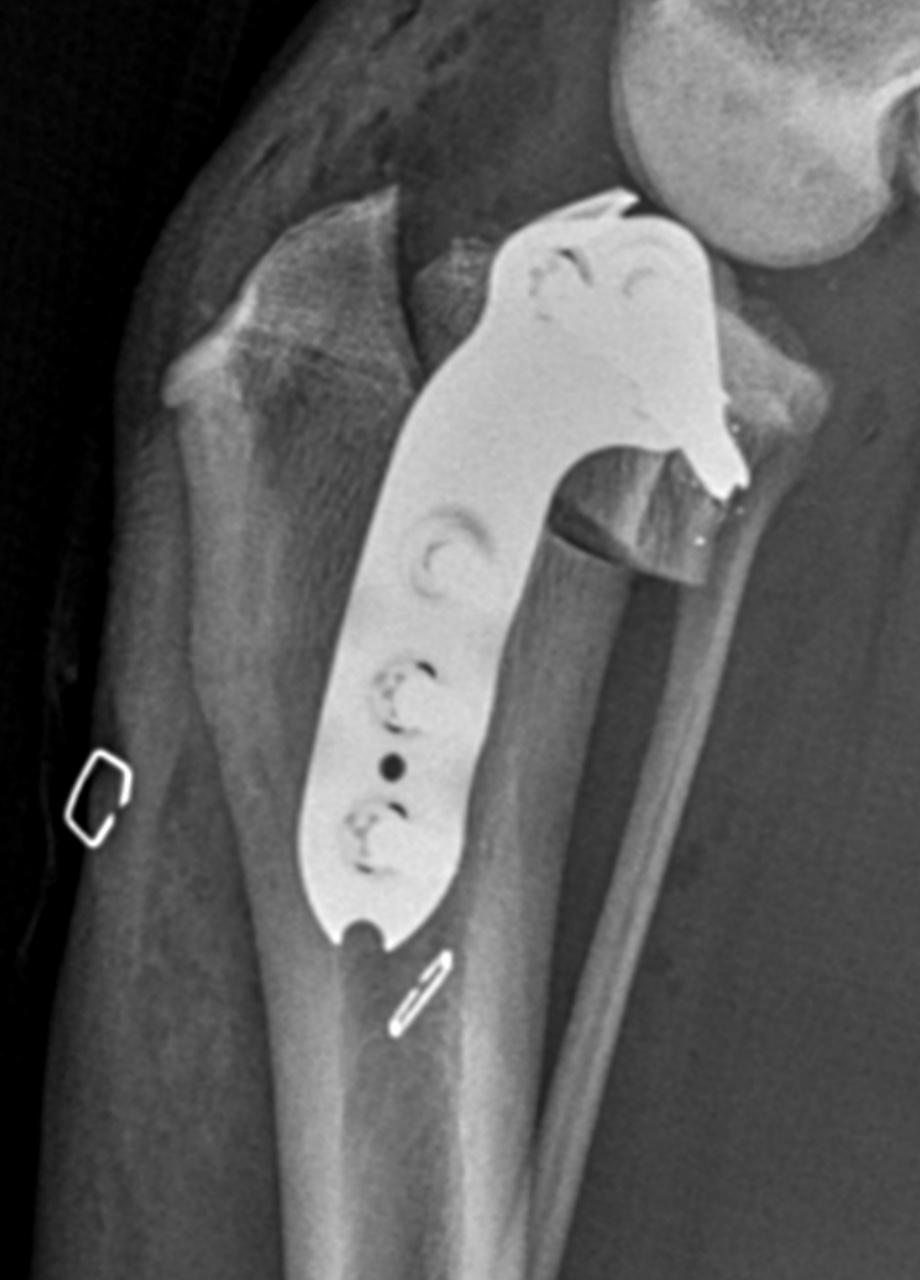
True-to-geometry manufacturer plates drop onto the radiograph to drag, rotate, and align
Plan in Under 60 Seconds
Calibrate, confirm landmarks, plan the osteotomy, and overlay a plate in one workspace, with lengths to 0.1 mm
TPLO Planning Shouldn't Take This Long
Traditional surgical planning wastes valuable time on repetitive manual tasks
Manual File Uploads
Exporting from imaging systems, converting formats, and uploading files one by one. 5 to 10 minutes wasted before you even start planning.
Clicking Every Landmark
Manually placing anatomical points, drawing reference lines, measuring angles. 20+ minutes of repetitive clicking and drawing.
Repeated Calculations
Measuring TPAs, calculating rotation angles, templating plates. Every case requires the same tedious measurements.
30+ minutes per case
Time that could be spent on patient care
How It Works Today
AI-assisted planning tools you can use on every case right now
Every tool in one workspace: calibrate, place landmarks, plan the saw cut, and overlay a plate without leaving the case.
Upload Your Images
Drag and drop X-rays or import DICOM files directly
Calibrate & Set Scale
Set image scale and confirm it against the DICOM pixel spacing
Place AI-Assisted Landmarks
AI places the 4 key tibial landmarks for you to review and adjust
Calculate TPA
One-click Tibial Plateau Angle calculation with visual display
Plan Your Osteotomy
Use advanced drawing tools to plan the surgical approach
Export & Share
Save annotated images and share with your surgical team
The Full Agentic Release
From X-ray to a ready-to-use surgical report, untouched by hand
Capture at the X-ray station
osAlign connects directly to your radiograph acquisition station. The moment the tech captures the views, the images flow straight into planning. No exporting, no uploads, no file conversions.
AI completes the entire preplan
In seconds, osAlign calibrates the image, places every tibial landmark, calculates the TPA, plans the osteotomy and rotation, and selects the plate. The complete TPLO plan, done automatically.
Surgical report to the surgeon
A ready-to-use report lands with the surgeon within seconds of the X-ray being taken: recommended plate, TPA, rotation, and D1, D2, and D3 osteotomy measurements. Review, approve, and you are ready for surgery.
In seconds
X-ray to surgical report
The report includes
Start now with AI-placed landmarks and automatic TPA calculation. Every case you plan helps train the model behind the full agentic release.
Where osAlign Is Today, and Where It's Going
AI-assisted now, full agentic release next
AI-assisted planning
Upload a radiograph and AI places the four tibial landmarks for you to review and confirm. You calibrate, calculate the TPA, plan the osteotomy, and overlay a real plate, all in one workspace, in under 60 seconds.
Full agentic release
Connect your X-ray acquisition station and osAlign completes the entire preplan automatically, then sends a ready-to-use surgical report to the surgeon within seconds. Recommended plate, TPA, rotation, and D1, D2, D3 measurements. No uploads, no clicking.
From Plan to Surgery
The plan you build in osAlign carries straight into the operating room
Learn TPLO Planning
Free guides for surgeons, residents, and anyone new to TPLO
Frequently Asked Questions
Quick answers about osAlign TPLO planning
Join the Future of TPLO Planning
Start your 30-day free trial. Plan cases today with AI-assisted tools, and help shape the full agentic release.
Available now: AI-assisted planning · AI features rolling out Q4 2026 into 2027